Diwa Win APK: a clearer Android route from login to game history
Diwa Win APK is designed for Android users who want to reach a mobile game lobby and keep account activity easy to review. A clean package, one login and a visible history screen help reduce confusion during a session. This guide covers the download, installation permission, first login, result records, updates and common Android interruptions.
Prepare the device before saving the file
Open the current APK page on the Android phone you will use. Check the browser address, connection and storage before tapping download. Keep one active tab until the installer finishes in Downloads.
File and account basics
- Compare the filename with the download time.
- Keep the original package until the first launch works.
- Use contact details and OTP access that belong to you.
- Avoid modified files promising certain results or unlimited credits.

Install Diwa Win APK from one checked source
When the APK file reaches Downloads, open it from the notification or file manager. If Android requests install permission, allow only the checked source and keep Play Protect active.
If another installer appears, compare both filenames and timestamps. Do not install several APK files together. Duplicate packages can create two home-screen icons, an update conflict or a login route connected to an older installation.
After installation, open the app and wait for the lobby to settle. Use an existing account where available. If OTP verification appears, enter your own details and keep the code, password, UPI PIN and payment credentials private.
Read the lobby and history screen together
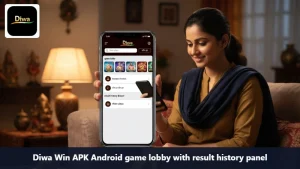
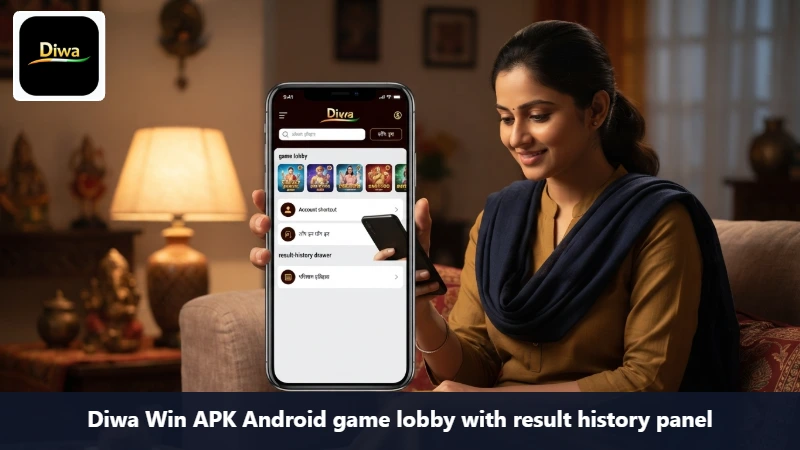
The lobby is easier to follow when the selected game, account shortcut and history route are visible. Open one game panel first and check where the latest result, session status or transaction reference appears. A history screen helps you follow the same request if the first confirmation disappears.
Do not treat an earlier result as a prediction of the next one. Read the current rules, keep one active route and pause before repeating a tap that has not finished loading.
Fix login, reload and update problems
If the app returns to the download page, check the browser tab, storage and connection before requesting another file. For a blank lobby, switch once between Wi-Fi and mobile data, close heavy background apps and reopen one route.
When an update conflict appears, keep the working installation in place and avoid uninstalling first. Compare the replacement with the original download. If a result or account screen disappears, open the existing history and follow the same request instead of submitting again immediately.
Diwa Win APK FAQ
Is Diwa Win APK made for Android?
Yes. Use the current Diwa Win APK page on the Android phone where you plan to install it, and avoid moving an unknown package between devices.
Where should I check a delayed confirmation?
Open the existing history first. Save the reference, status and time, then contact support if the same request remains unresolved.
Why does login return to the start?
Check the account details, connection and newest OTP. Save the device model, time and last working screen if the issue continues.
A measured start with Diwa Win APK
The app works best with one checked file, one account and one visible history route. Review the controls, keep a planned time or spend limit and use the service only where the relevant feature is permitted. Gaming should remain entertainment, not a guaranteed income source.